iOS · Fitness & Health · Freemium
A bulking tracker for hardgainers. Set your surplus, hit your protein, and actually see whether the scale is moving the way you want.

Screenshots
Daily targets, macro rings, and progress charts. Built around eating more, not eating less.

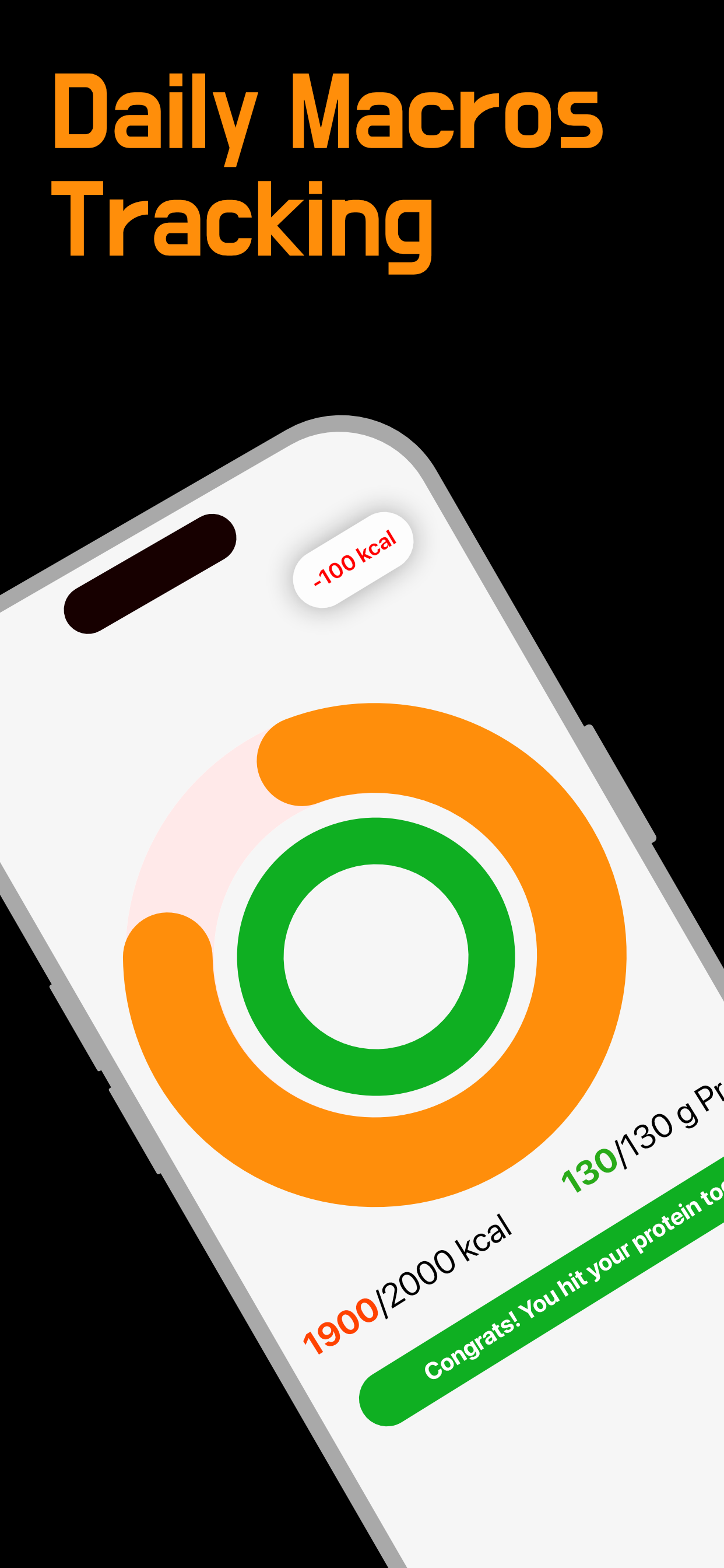
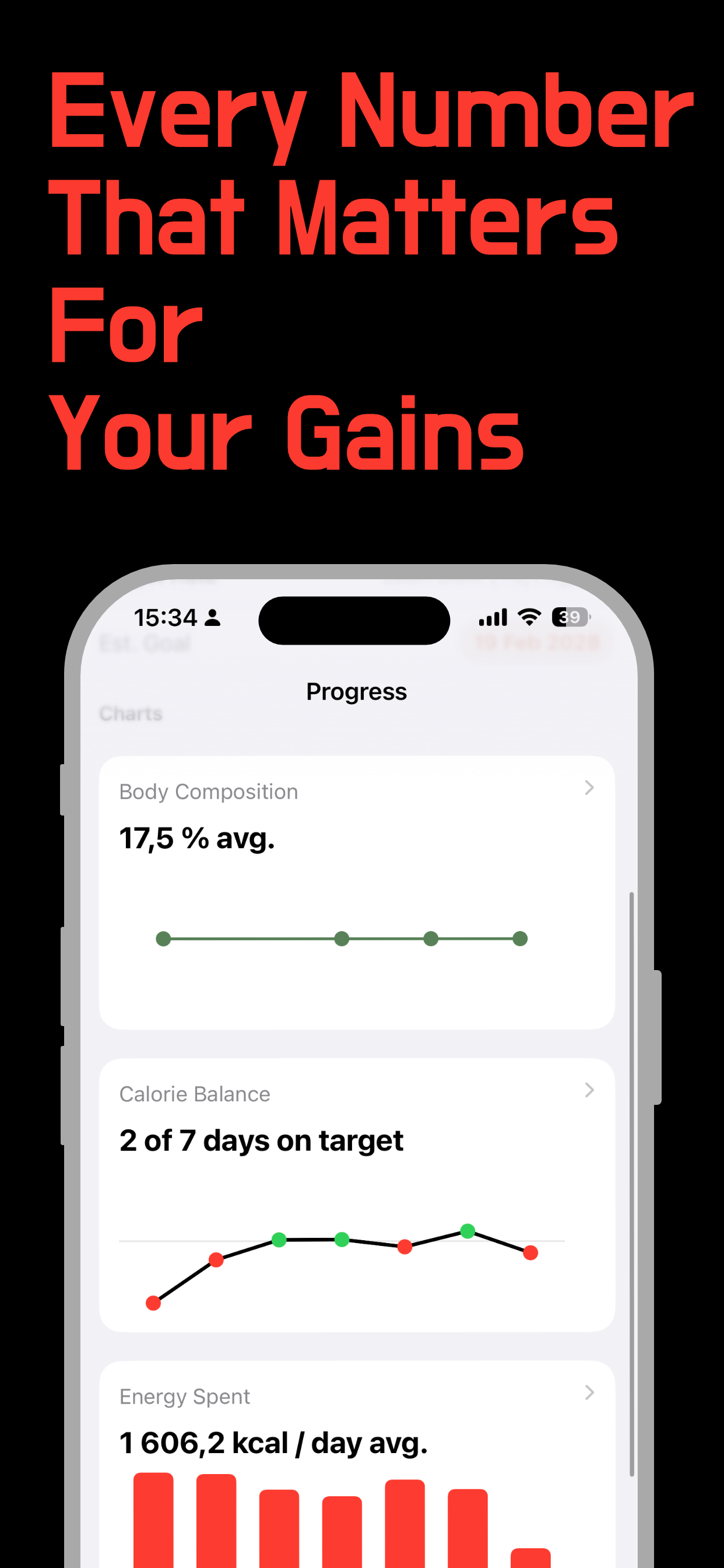
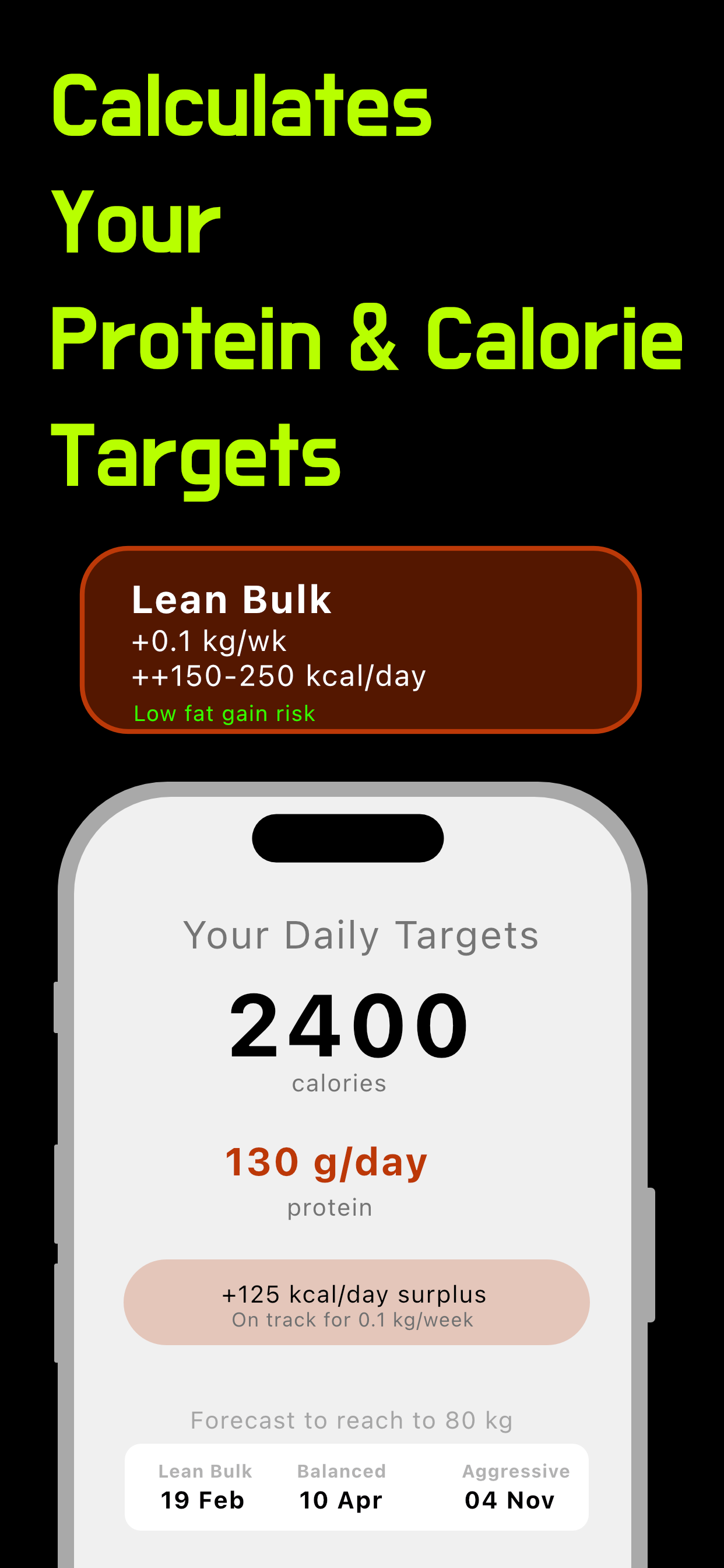
BulkUp is for people in a bulking phase, hardgainers who struggle to eat enough, or anyone trying to put on lean mass without treating every surplus day like a failure. The targets, the copy, and the charts are all oriented toward gaining.
I built it because I kept running into the same problem: logging 2,800 calories in MyFitnessPal and getting a red warning like I'd done something wrong. That isn't how bulking works.
Targets
Pick a goal weight and a pace (lean, balanced, or aggressive). BulkUp works out your daily surplus and protein, and gives you a rough date for when you'll get there. No spreadsheet on the side.
Logging
Two rings for calories and protein. Log a meal, see what's left for the day, and get a heads-up when protein is done. That's most of what you need during a bulk.
Progress
Body composition, calorie balance, energy spent. Green when you're on target. Useful when you want to know if the bulk is going somewhere or just adding fluff.
Protein
Calories get you the surplus. Protein is what you build with. BulkUp treats both as first-class targets instead of burying protein under a generic macro pie chart.
Features
Questions & Answers
Yes. Free to download, with optional in-app purchases if you want the extra features.
Long-press any empty space on your iPhone home screen until icons jiggle, then tap the + button in the top-left corner. Search for "BulkUp", choose your preferred widget size (small or wide), and tap Add Widget.
Go to the Presets tab and tap + Add Breakfast (or Lunch, Dinner, or Snack), or + Add Category for a custom group. Name the meal, search the nutrition database or add your own food with macros, adjust the portion, then tap Save.
Subscriptions are managed through iOS Settings, not inside the app. Go to Settings → [Your Name] → Subscriptions, find BulkUp, and tap Cancel Subscription.
Refunds go through Apple. Visit reportaproblem.apple.com, sign in, find the BulkUp purchase, and tap Request a refund.
Email vyshnav@vybuilds.com with what happened and your iOS version. I'll reply when I can.
More
Legal
